

Smart thermostat mini split systems are quietly transforming how homeowners control heating and cooling—offering next-level comfort while promising real energy savings. But before you dive in, it’s vital to know both the upsides and the lingering tradeoffs that often get glossed over. If you want true control, convenience, and investment value from your mini split, read on—you’ll get specific, actionable advice to make the most of your setup.
Key Takeaways
- Smart thermostat mini split controllers boost comfort, convenience, and automation for ductless AC systems—but require careful compatibility checks.
- Upfront costs can be high, and not all features work seamlessly; real-world integration demands clear-eyed planning to avoid pitfalls.
- Proper setup enables remote control, scheduling, and improved air quality—offering potential energy savings of up to 25%.
The Core Concept: What Is a Smart Thermostat Mini Split—and Why Bother?
A smart thermostat mini split system lets you remotely control and automate your ductless HVAC through WiFi-connected controllers, mobile apps, and voice assistants. These devices “talk” with your mini split unit via infrared or cloud APIs, managing setpoints, schedules, humidity, and modes—so you don’t need to fumble with a remote or wall unit. Why does it matter? Because global market demand is exploding: the ductless mini splits market will surge from $17.92 billion in 2025 to $31.31 billion by 2032 (source). Modern homeowners want climate precision, automation, and energy efficiency—for both comfort and lower bills.
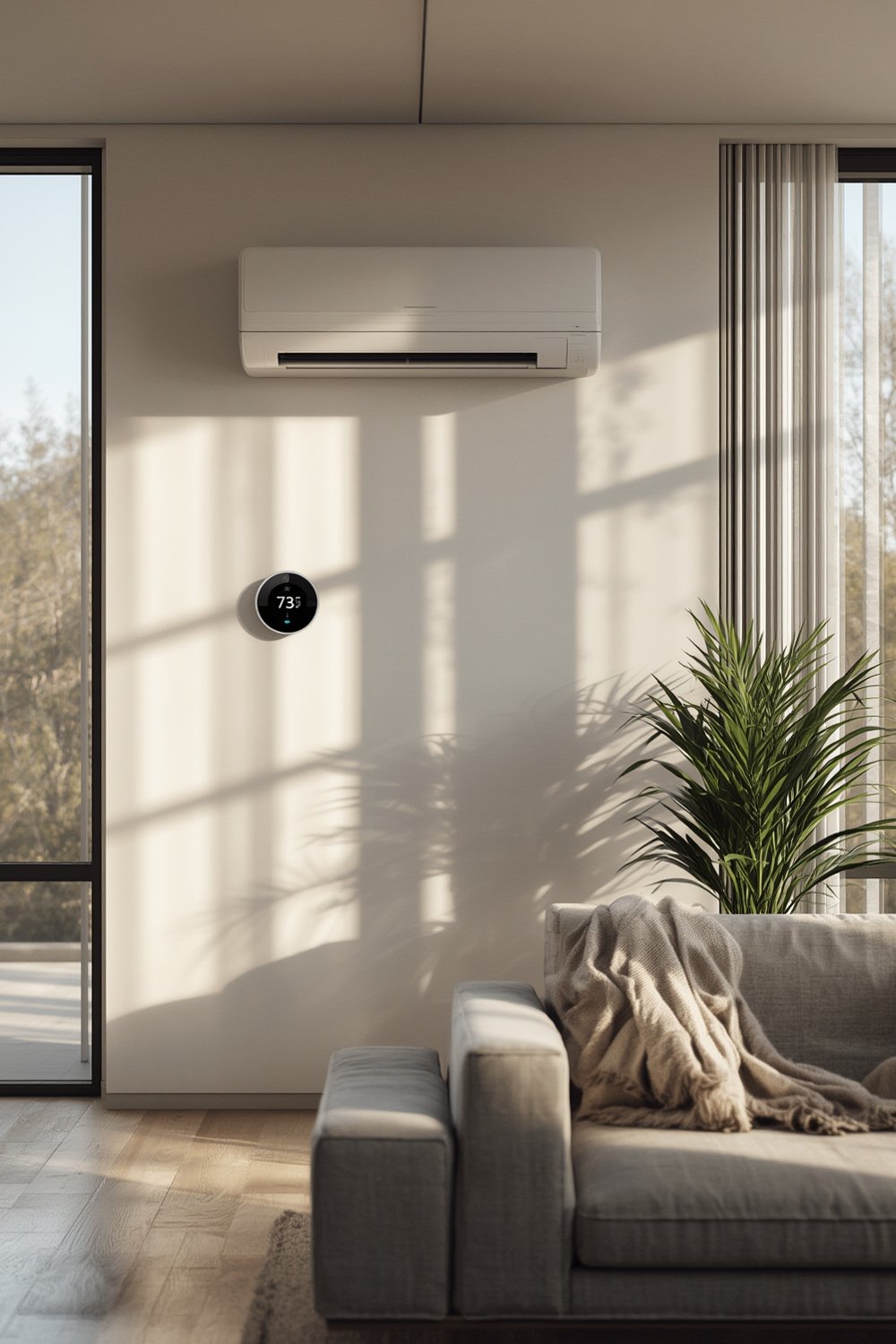
From enabling learning routines to connecting with Alexa or Google Home, smart mini split thermostats shift ductless ACs from stand-alone units into the smart home mainstream. Most users pursue these upgrades for convenience—yet benefits include improved humidity control, customizable zoning, better air quality, and sometimes impressive energy savings (up to 25%, depending on setup and usage).
Homeowners also look at smart thermostat mini split setups for integration power—especially as connected HVAC becomes a standard expectation, not a luxury (source).
Step-by-Step Guide: Installing & Using a Smart Thermostat Mini Split
Ready to add smart control to your mini split? Follow these actionable steps for the best experience.
- Audit Your Mini Split Model & Features
Identify your unit’s brand, voltage, year, and remote control type (IR, WiFi, wired). Compatibility is uneven across brands like Mitsubishi, Daikin, LG, and Gree. Newer WiFi-enabled systems offer the most seamless experience. - Research and Select a Smart Controller
Compare reputable controllers such as Sensibo Sky, Sensibo Sky, or Mysa. Double-check compatibility with your mini split and with smart home platforms you use (Alexa, Google Assistant, Apple HomeKit). - Find the Best Location
Place the smart controller in line-of-sight of the indoor AC unit’s IR sensor, typically within 15 feet. Avoid obstructions from drapes or shelves. - Connect to WiFi and Pair Devices
Follow the setup app or manual to connect the controller to 2.4 GHz WiFi. Some controllers may not support 5 GHz. Use the learning mode to mimic your AC remote’s commands. - Configure Schedules, Geofencing & Automation
Set up energy-saving routines, sleep schedules, temperature triggers, and location-based automation. Most apps allow granular, customizable control; experiment for best comfort and efficiency. - Expand Functionality with Smart Home Ecosystems
Connect your controller to Alexa, Google Home, or Apple HomeKit for voice control and advanced routines. Group the mini split into rooms or trigger actions based on other smart devices (motion sensors, occupancy, etc.). - Monitor Energy & Adjust Over Time
Review in-app analytics to track usage, filter alerts, and temperature patterns. Calibrate for comfort, efficiency, and improved air quality.
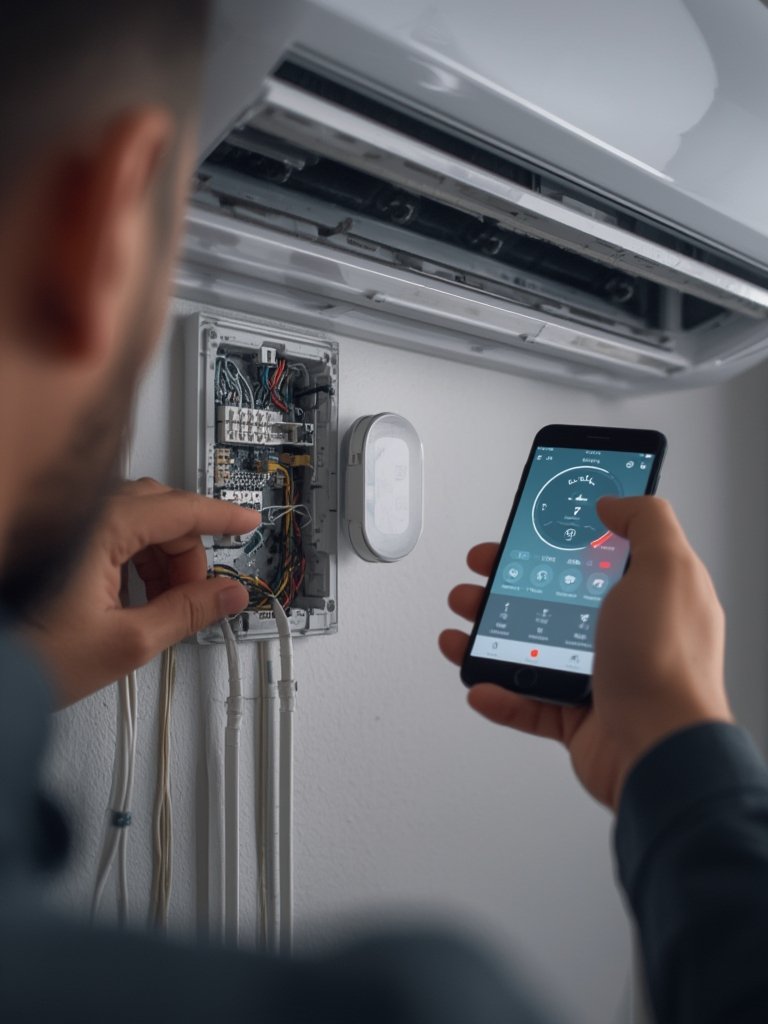
Don’t forget R32 compatible refrigerant compliance when purchasing new units; mandates effective 2025 (see R32 compatible HVAC systems).
Consistent app updates and a reliable WiFi signal are essential for smooth operation. Consider redundant access via physical remote if WiFi fails.
Advanced Analysis & Common Pitfalls
Moving to smart thermostat mini split control unlocks unique advantages—but also presents hard-to-ignore challenges. Here’s what you should expect, drawn from research and real-world feedback.
- High Upfront Costs: Even entry-level controllers typically range from $70 to $150. Not all include free cloud service; premium features may require monthly fees.
- Compatibility Issues: While most controllers support IR mini splits, niche brands or very old models may see limited function (on/off but no mode or fan control). Not all brands work with HomeKit or automation triggers.
- WiFi Reliability: Connection drops, dual-band topology quirks (2.4 GHz vs 5 GHz), and router placement impact stability. Inconsistent WiFi breaks smart features or app control.
- App Frustrations: Some users report glitches with scheduling, geofencing, or integration with Alexa/Google Assistant, especially after system updates.
- Retrofitting Hassles: Complex pairing steps or confusion over IR code learning slow down setup, especially when switching between heating and cooling seasons.
- Data Privacy Concerns: Controllers collect environmental and usage data, and some brands require persistent cloud connection. Privacy policies vary (source).
| Feature | Cielo Breez | Sensibo Sky | Mysa |
|---|---|---|---|
| AC Model Support | Wide (IR, cloud, some WiFi) | Wide (IR, cloud, some WiFi) | Fewer brands (mostly WiFi) |
| Native App & Voice Control | Yes (Alexa, Assistant, HomeKit*) | Yes (Alexa, Assistant) | Yes (HomeKit primary) |
| Geofencing & Scheduling | Yes (per room/device) | Yes | Limited |
| Analytics / Reporting | Comprehensive | Basic graphs | Room temp only |
| Price Range | $89-$149 | $79-$139 | $129-$179 |
| Cloud Account Required? | Yes | Yes | Yes |
| Data Privacy Controls | Moderate | Limited | Limited |
Further optimize comfort and IAQ by integrating humidity management and right cleaning routines. If you’re considering system upgrades, ensure future models are R32 compatible for upcoming regulations.

Conclusion
A smart thermostat mini split system brings modern, convenient control and room-by-room comfort to ductless AC—when thoughtfully installed and maintained. You can expect enhanced convenience, the ability to boost indoor air quality, remote access, and smarter scheduling. But as market research confirms (source), careful planning around device compatibility, WiFi reliability, and privacy is key for ROI. For the best results with your smart thermostat mini split, compare options, plan for future compliance, and leverage automation to fit your life. Ready to take control? Pick a controller, optimize for comfort—and experience a truly smarter home.
FAQ Section
How do I know if my mini split is compatible with a smart thermostat controller?
Check the official compatibility lists on the smart controller manufacturer’s website. Most support major brands made since 2012, but model-specific quirks, voltage, or remote type can limit full feature support.
Will a smart thermostat mini split controller save me money?
Yes, if you use scheduling, geofencing, and automation, studies show energy use can drop up to 25%. Exact savings depend on climate, insulation, and how well the routines match your lifestyle.
What happens if the WiFi goes down?
You can still control your mini split with the original handheld remote. Most smart features and app-based automation will be unavailable until WiFi is restored.
Can I control mini split humidity through a smart thermostat?
Some controllers offer humidity setpoints and monitoring if your mini split supports it. This boosts humidity control and indoor air quality.
Do I need a subscription for advanced features?
Most features are available for free, but some brands charge monthly for energy analytics, API access, or enhanced automation.