

HEPA air purifier smart home setups are redefining what clean air means in modern living. By combining high-efficiency filtration with smart controls, these devices promise not only cleaner air but also effortless automation and integration into your connected ecosystem.
Key Takeaways
- HEPA air purifiers for smart homes offer automatic filtration, app control, and voice integration—transforming passive air quality into an actively managed experience.
- Choosing, installing, and maintaining a smart purifier requires attention to technical integration, WiFi reliability, and regular filter management to avoid common pitfalls.
- Understanding market limitations and potential privacy issues is crucial before fully committing your indoor air to any connected device.
- What Is a HEPA Air Purifier Smart Home Setup?
- How to Add a HEPA Air Purifier to Your Smart Home: Step-by-Step
- Advanced Analysis & Common Pitfalls
- Conclusion
- FAQ
What Is a HEPA Air Purifier Smart Home Setup?
A HEPA air purifier smart home setup merges the gold-standard for air filtration (HEPA, or High-Efficiency Particulate Air filters) with WiFi, app, and voice-enabled controls. The goal: automate your indoor air quality based on real-time detection, schedules, and integration with wider smart home routines.
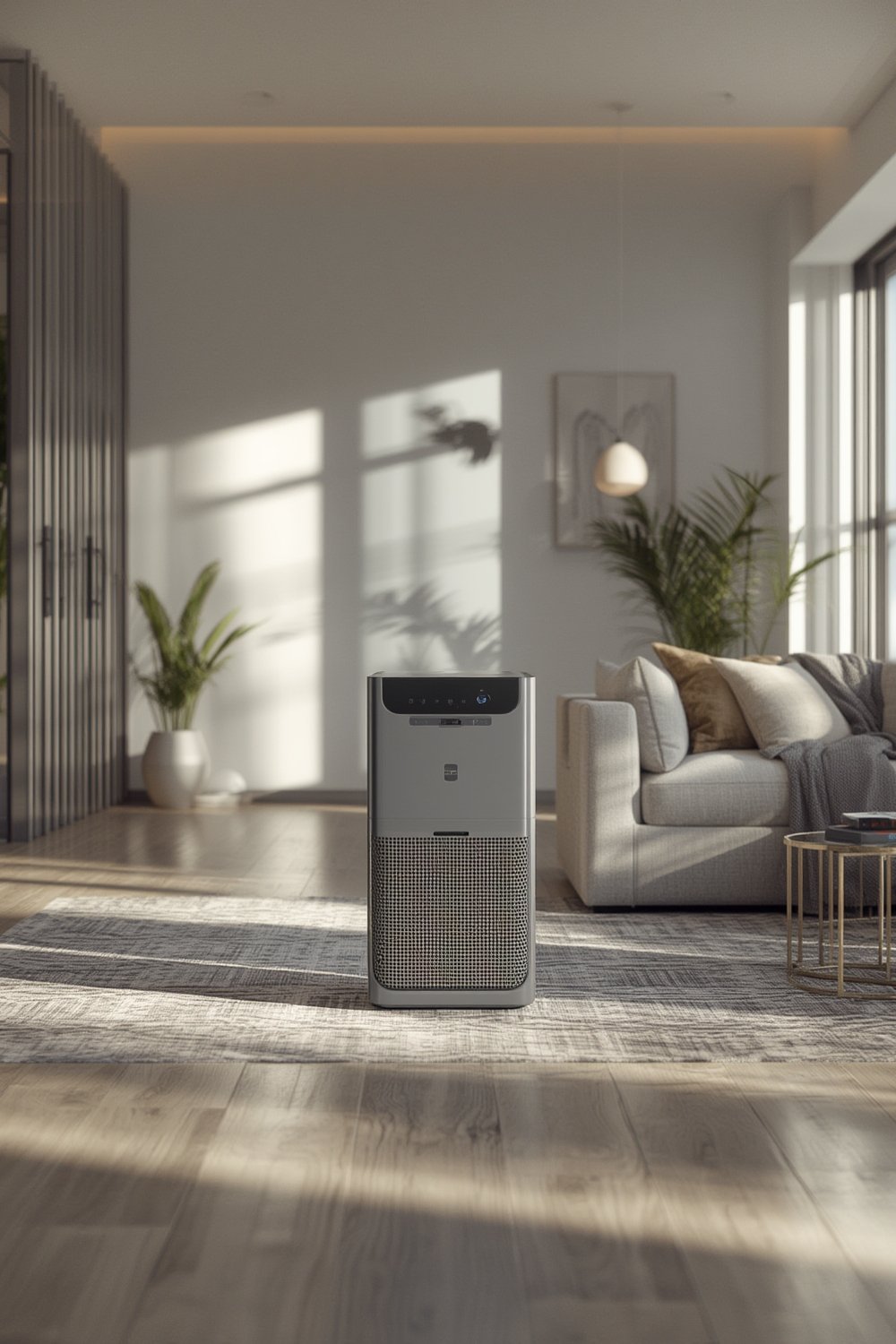
HEPA technology dominates the global portable and residential air purifier market, holding an estimated 48.9% to 53.6% share (source; source). In 2025 alone, the HEPA air purifier market size is valued at $26.3 billion globally (source).
But while air purifiers are everywhere, truly “smart” models—that offer mobile apps, scheduling, voice controls (compatible with Amazon Alexa, Google Home, or Apple HomeKit), and integration with IFTTT—are where you gain true convenience and control.
Smart purifiers can automatically adjust speed based on air quality sensors, send notifications for filter changes, or even shut down when you leave home. For many, they’re the missing link between seamless air quality and modern home life. For a deeper dive into related air quality concerns, see our guide on improving your home’s air quality.
How to Add a HEPA Air Purifier to Your Smart Home: Step-by-Step
Integrating a HEPA air purifier into your smart home isn’t plug-and-play unless you pick carefully. Here’s a realistic, actionable guide:
- Assess Your Needs & Current Ecosystem
- Measure your primary room’s size (in square feet or meters).
- Decide if you need integration with Amazon Alexa, Google Home, Apple HomeKit, or other systems. Some models support only one platform or require additional bridges.
- Determine your sensitivity to noise—check decibel ratings, especially if using in a bedroom or workspace. Quiet operation is often linked to higher-priced models; this is a major pain point noted in overall air conditioner and purifier reviews. See our insights on quiet portable air conditioner solutions.
- Research and Choose Your Device
- Focus on genuine HEPA filtration, listed CADR (Clean Air Delivery Rate), app compatibility, and firmware update support.
- Read recent user reviews for app stability, WiFi reliability, and filter change notification accuracy.
- Place Your Purifier for Maximum Effectiveness
- Keep at least 12–18 inches of airflow clearance on all sides and avoid blocking vents.
- Place in the central breathing zone or near known pollution sources (pet zones, smoking areas, or in the main living room).
- Connect to Your WiFi and Home Assistant
- Follow the manufacturer’s app and onboarding step-by-step.
- For models using 2.4 GHz WiFi only, ensure your router broadcasts this band—many purifiers cannot connect to 5 GHz networks.
- If integrating with Alexa, Google, or HomeKit, link via the manufacturer’s skill or bridge as instructed.
- Configure Schedules, Routines, and Automations
- Set up purification schedules based on your occupancy and room usage.
- Enable notifications for air quality events and filter replacements.
- Combine routines (e.g., run purifier automatically when humidity rises—see our integrated approach in smart thermostat mini split automation).
- Maintain Your Purifier for Long-Term Results
- Replace HEPA and pre-filters as prompted. Watch out for expensive proprietary filter replacements—factor this into your total cost.
- Regularly update your device firmware to patch bugs and close security holes.
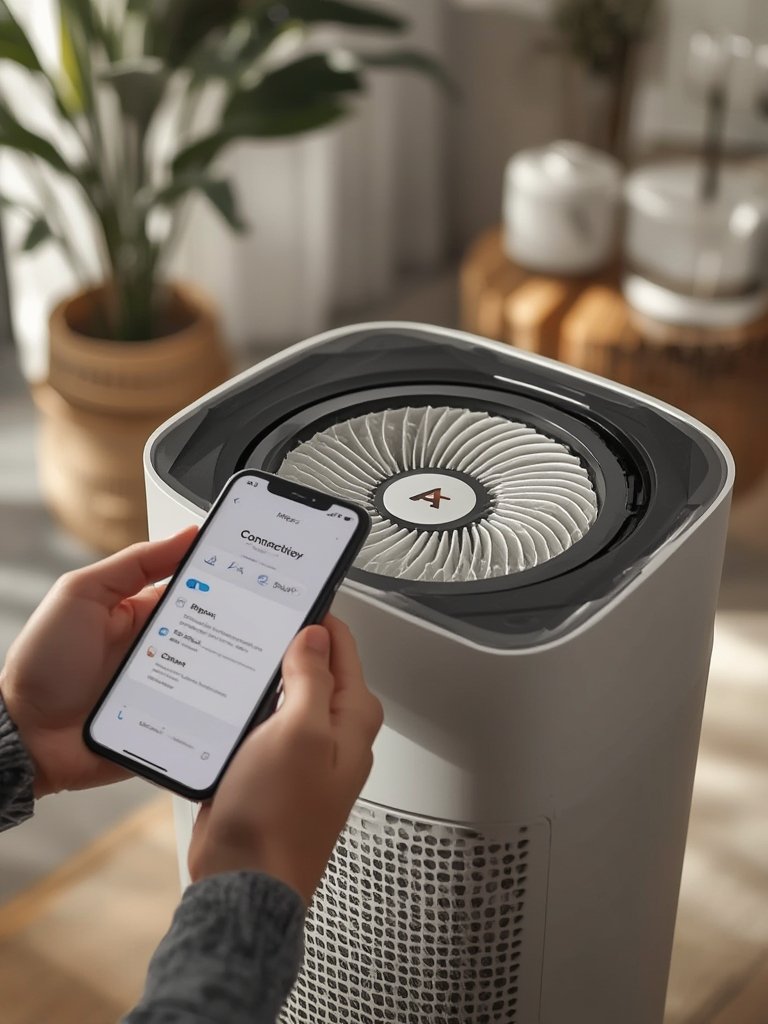
For large homes or allergy sufferers, multiple units (or choosing a smart model with whole-home capability) may bring the best ROI. To maximize results, pair air purification with source control and cleaning—learn more in our actionable guide on optimizing cleaning and AC solutions for air quality.
Advanced Analysis & Common Pitfalls
Smart air purification provides serious advantages, but these setups aren’t bulletproof. Below are key pitfalls and challenges you may encounter.
| Pitfall | Impact | Simple Solution |
|---|---|---|
| App instability or geo-locking | Loss of control, no notifications | Review app store ratings by region before buying |
| WiFi network drops or band incompatibility | Device fails to connect or loses “smart” features | Ensure router supports 2.4GHz and regularly update firmware |
| Low CADR and poor airflow | Inadequate cleaning for room size | Calculate CADR for your space (CADR ≥ 2/3 room area in sq ft) |
| Proprietary filter traps & frequent replacement notifications | High ongoing costs, potential TCO “trap” | Choose models with third-party compatible filters if possible |
| Ads, subscriptions, or unnecessary cloud dependency | Privacy loss, ongoing cost, vendor lock-in | Prefer local-control or subscription-free models |
| Security & privacy risks | Possible IoT hacking, data leaks | Update firmware regularly; isolate on a guest network |
Some users find voice control limited or unreliable with certain platforms. Others face region-blocked apps that stop working after updating their phone. For many homeowners, TCO (total cost of ownership) becomes unexpectedly high due to proprietary filter pricing or “smart” functions being locked behind a paywall. If AC or humidity is also a driver of poor air, consider our research on AC refrigerant upgrades and humidity management strategies.

As privacy concerns rise, especially around cloud data and device access, be cautious with any smart device that requires always-on accounts or permissions.
Conclusion
HEPA air purifier smart home integration isn’t a passing trend—it’s becoming standard for anyone who values both healthy air and modern convenience. While these devices can revolutionize your living space, you must shop smart, mind integration details, and stay alert to ongoing filter and privacy costs. Ready to breathe smarter? Start by evaluating your home’s needs and choosing a purifier that puts you in full control—today and into the future.
Take the next step to build your HEPA air purifier smart home by mapping your space, comparing options for integration, and automating for effortless clean air. Don’t let indoor pollution or connectivity issues catch you by surprise—get proactive and upgrade your environment now.
FAQ
Do HEPA smart air purifiers really improve indoor air quality?
Yes. Genuine HEPA filters remove over 99.97% of particles 0.3 microns or larger. When integrated into a smart home, they provide consistent filtration and can adapt performance based on real-time sensor data.
Can I control a HEPA air purifier with my voice assistant?
Many models now offer Alexa, Google Home, or Apple HomeKit support. Check for explicit compatibility before purchasing; some require extra hubs or have region limitations.
What are common problems with smart air purifiers?
You may experience WiFi drops, app crashes, region-blocked software, or expensive replacement filters. Choose models with strong app reviews, clear access in your country, and affordable filters.
Are there privacy risks with connected air purifiers?
Like all IoT devices, smart air purifiers can introduce data privacy and security risks. Ensure firmware is updated and, if possible, isolate devices on a guest WiFi network.
How often do I need to change filters in smart HEPA purifiers?
Typical replacement is every 6–12 months, but usage and indoor conditions vary. Smart models will notify you when it’s time—just beware that some are aggressive in their notifications to boost filter sales.